All research / Research / Prices and product pages
One product, three prices: why AI shopping assistants quote the wrong price
What we found on the websites of 13 pet product brands, and five checks you can run
Ask an AI assistant what your litter box costs, and it may quote a higher price from another page on your own site.
We checked the websites of 13 pet product brands and found this more often than we expected. The causes are simple, and a seller can check for them in about half an hour.
 YuSeen Research Team · · 6-minute read

The extra page
The scene below is invented and so are the prices, but we saw this kind of page during our review.
A self-cleaning litter box sells for $399 on its main product page, which has more than 100 reviews.
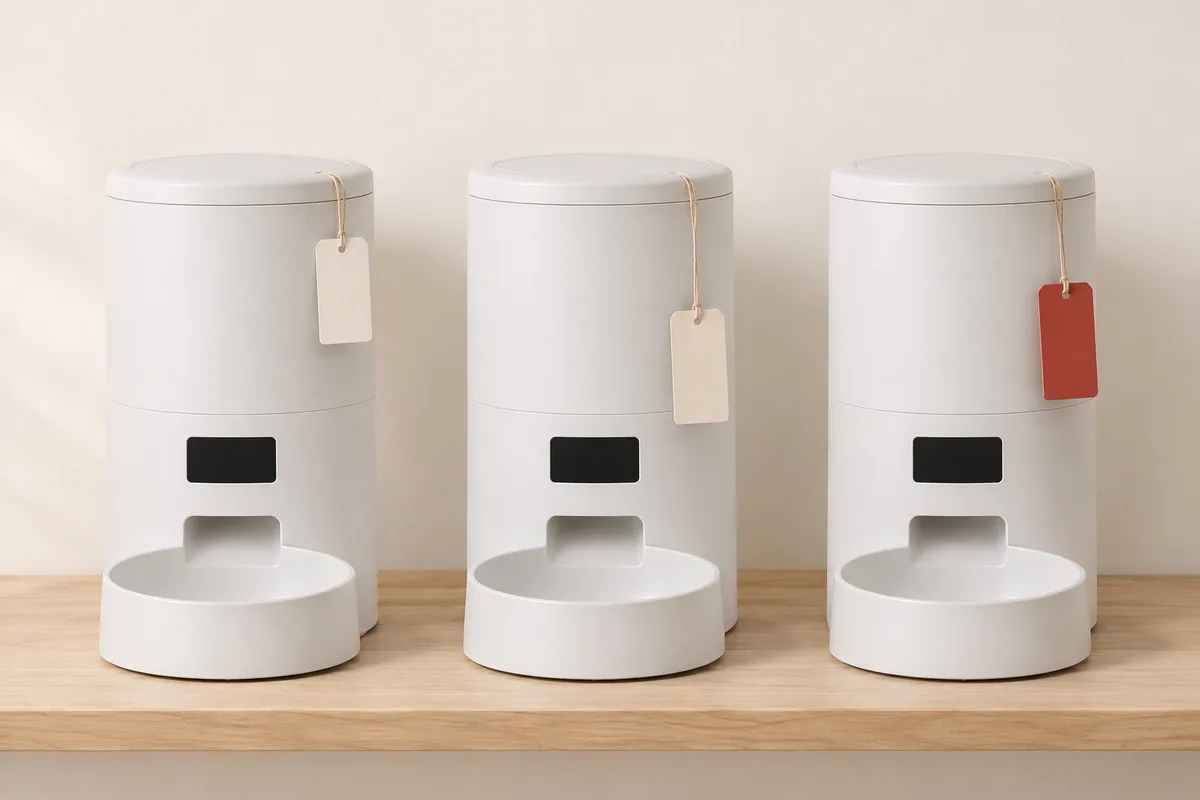
The same site has a second page with an identical title. Its SKU ends in “-test”, it costs $449 and it has no reviews. Search engines may index both pages, and both appear in the sitemap.
A shopper asks an AI assistant: “How much is this litter box, and what do reviewers say?” If the assistant reads the second page, it answers: $449, no reviews yet.
The shopper decides it is too expensive, or that nobody has bought it, and moves on. The seller's dashboard shows nothing unusual. A few orders are missing, and nobody knows why.
How machines identify a product
AI shopping assistants answer price questions from data that machines can read, not from what the page looks like. For prices, that data lives in four places.
The first is structured data in the page's source code, usually a block of JSON-LD with the product name, price, currency, stock, rating and barcode. Google Merchant Center checks the prices you submit against the landing page and its structured data, and may disapprove products whose prices do not match.
The second is the canonical URL. When several pages carry the same content, it tells search engines which one is the original. Google says that when a site has duplicates, Google itself picks the canonical page; it gives most weight to permanent 301 redirects, then to the canonical tag, then to the sitemap (Google Search Central: Consolidate duplicate URLs). If two pages each name themselves as canonical, Google has to choose.
The third is the sitemap, the list of URLs a site hands to crawlers. Crawlers will visit whatever is on it, including test pages, old pages and URLs that now redirect to the home page.
The fourth is the product barcode, or GTIN, which is how machines decide whether two pages sell the same thing. Google is blunt about it: without a GTIN it cannot promise an accurate match, every product and every colour or size should have its own GTIN, and you should not submit one you are unsure of (Merchant Center Help: GTIN).
This data also travels beyond your own site. OpenAI's Help Center says ChatGPT draws on structured metadata from first-party and third-party providers when it picks products, that prices come from third-party providers, and that updates can lag (Shopping with ChatGPT, accessed November 12, 2026). Any price you publish can end up in those pipelines. None of the AI companies has fully explained how its assistant chooses between competing pages; the points above are what public documentation confirms.
What we found on 13 sites
Between November 4 and 11, 2026, we looked at the English-language websites of 13 smart pet product brands selling automatic feeders, water fountains, self-cleaning litter boxes and similar products. We checked 2 to 8 core product pages per brand, 60 pages in all. We added the duplicate-page and sitemap checks on November 8, so those cover 6 of the brands. Every other check covers all 13.
Multiple pages for one product (6 brands)Brands with the issue
- The same product has two or more indexable pages5 / 6
- Ratings differ between those pages, or one page has none4 / 6
- The same SKU or barcode carries different prices3 / 6
- A page with “-test” in its SKU is indexable and priced above the main page1 / 6
- Product URLs in the sitemap redirect to the home page1 / 6
On 5 of the 6 sites, at least one product had two or more pages that search engines could index. On 4 of them, those pages showed different ratings, or one had no rating at all. On 3, the same SKU or the same barcode carried different prices. One site had left a test page online, with “-test” in its SKU and a higher price than the main page. Another listed 72 product URLs in its sitemap, 15 of which sent visitors back to the home page.
Product structured data (13 brands)Brands
- robots.txt lets major AI crawlers in13 / 13
- Return policy included in product structured data4 / 13
- Shipping included in product structured data2 / 13
- No GTIN in the structured data of any page checked5 / 13
- GTIN field holds one- or two-digit internal numbers1 / 13
- A product page's structured data cannot be read because of a formatting error1 / 13
All 13 sites let the major AI crawlers in through robots.txt. The trouble is on the pages themselves. Only 4 brands put their return policy in product structured data, and only 2 included shipping. Five had no GTIN on any page we checked, and one filled the GTIN field with one- or two-digit internal numbers. The hardest problem to spot was on another site, where a single unescaped line break in a customer review made the whole block of product data unreadable.
Different prices are not always a mistake. A limited-time promotion, a different configuration or a different colour can all justify one. The trouble is that a machine cannot tell which price belongs to which case. When one SKU or barcode carries two prices, it has to pick one or blend them. Ratings suffer the same way: when a product's reviews are split across two or three pages, an AI asked about reviews may quote the page with the fewest.
One site handled this well. It also kept test copies of product pages, but each copy named the main product page as canonical, so search engines treat them as a single page.
Limits of this review
The sample is small: 13 brands and 60 product pages, all smart pet products, so it says nothing about the wider industry. We read only the static HTML of public pages and could not see what brands submit to Merchant Center, Amazon or other back offices. We judged whether pages described the same product from their titles, SKUs, barcodes and prices, without asking the brands. This article names no brand and passes no judgment on any of them.
A half-hour check
None of these checks needs code. Someone on your team can run all five in about half an hour.
01Find every page for the same product
Search Google for “site:yourdomain.com model-name”, then search the Products list in your Shopify admin by model and SKU. Look for items whose names contain -test, -copy, -kol or an old campaign name.
Unpublish the pages you no longer need, or remove them from the Online Store sales channel. For pages you want to keep, such as a page made for one creator, point the canonical tag at the main product page or mark it noindex. Redirect old URLs that are already indexed to the main product page with a 301.
02Make sure one barcode means one product and one price
Export your products to CSV and sort by the “Variant Barcode” column. Look for duplicates, and check whether the column holds SKUs or internal codes instead of barcodes.
Every colour and size needs its own properly assigned GTIN. If a product has no GS1 barcode, leave the field blank and supply the brand and model number (MPN) instead. Never make one up.
03Spot-check your sitemap
Open “yourdomain.com/sitemap.xml” in a browser, go to the product sitemap and click 10 URLs at random.
If one lands on the home page, a 404 page or a product meant for another market, remove that product from this site's sales channel or 301-redirect it to the matching product page.
04Run a key product page through Google's Rich Results Test
Open Google Rich Results Test, enter the product URL and look at four things: whether it detects a product, whether the price and currency match the page, whether the rating sits in the same product entry as the price, and whether it reports errors.
Errors usually come from the theme or a review app. Send a screenshot of the result to whoever built your site.
05Make shipping and returns readable by machines
In the same test result, check for shipping (shippingDetails) and a return policy (hasMerchantReturnPolicy).
The quickest fix is to set both in Merchant Center or Search Console. Google says these settings take precedence over on-page markup when both exist (Google Search Central: Return policy structured data). Your developer can also add them to the product structured data.
What fixing it buys you
When an AI assistant quotes the wrong price, it has usually not made the number up. More often, the wrong price is sitting on your own website.
Fixing the problems above will not guarantee that AI quotes the right price, let alone recommends your product; plenty of other things shape its answers. Among those things, though, these are some of the few you can check, fix and then verify yourself.
For a closer look at product data fields, read our previous review of 11 smart pet product pages →
Sources
- Google Search Central: Consolidate duplicate URLs (updated 2026-07-10)
- Google Merchant Center Help: GTIN
- Google Merchant Center Help: Mismatched product price
- Google Search Central: Merchant return policy structured data (updated 2026-09-08)
- OpenAI Help Center: Shopping with ChatGPT (accessed 2026-11-12)
The cover and the image in the article are AI-generated illustrations and do not show any real brand or product.